What is Roundtrip?
Roundtrip is a digital logbook app for NSW learner drivers to record their supervised practice instead of the paper logbook. It's endorsed by the NSW Government as an official paper logbook replacement.
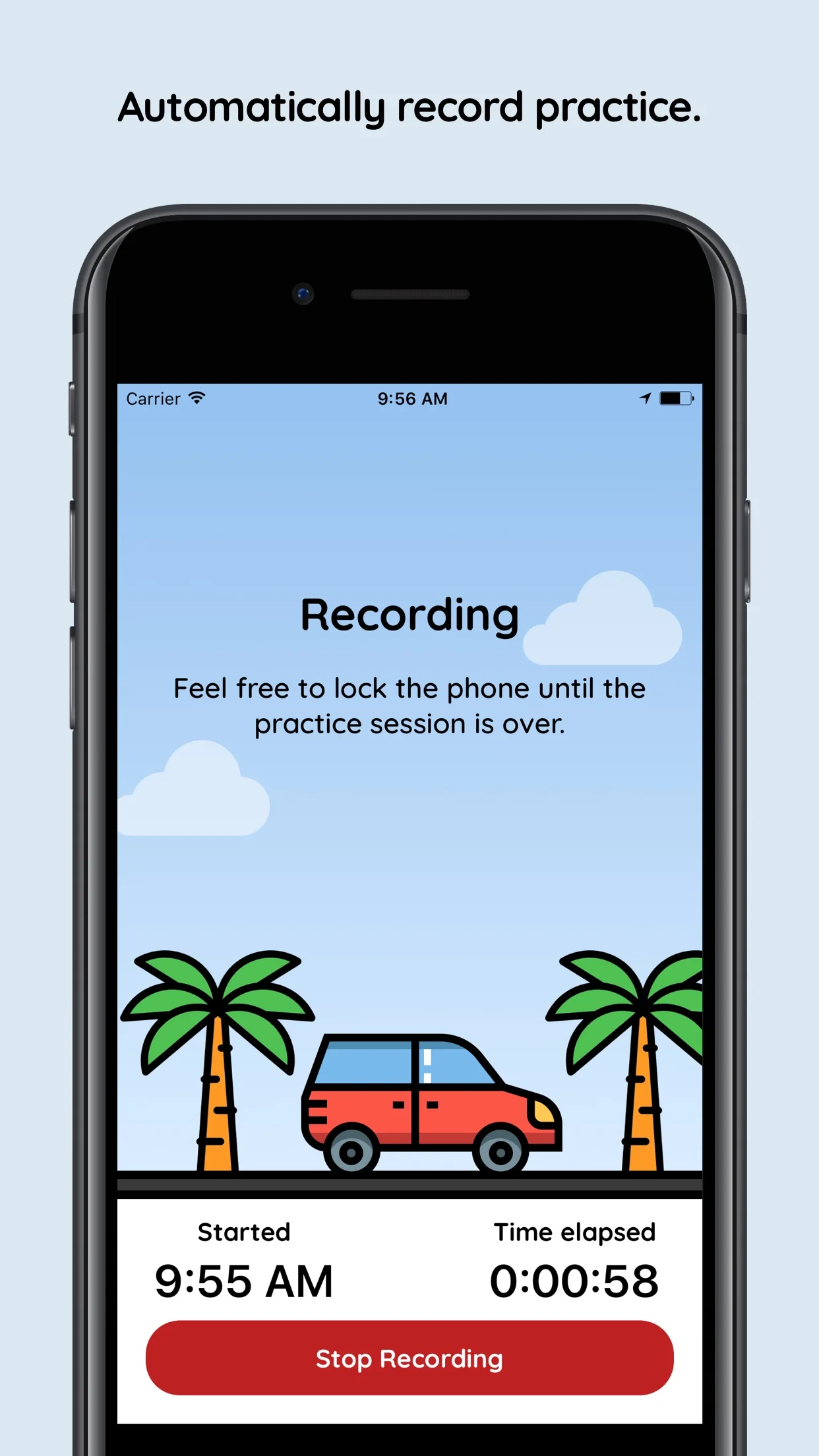
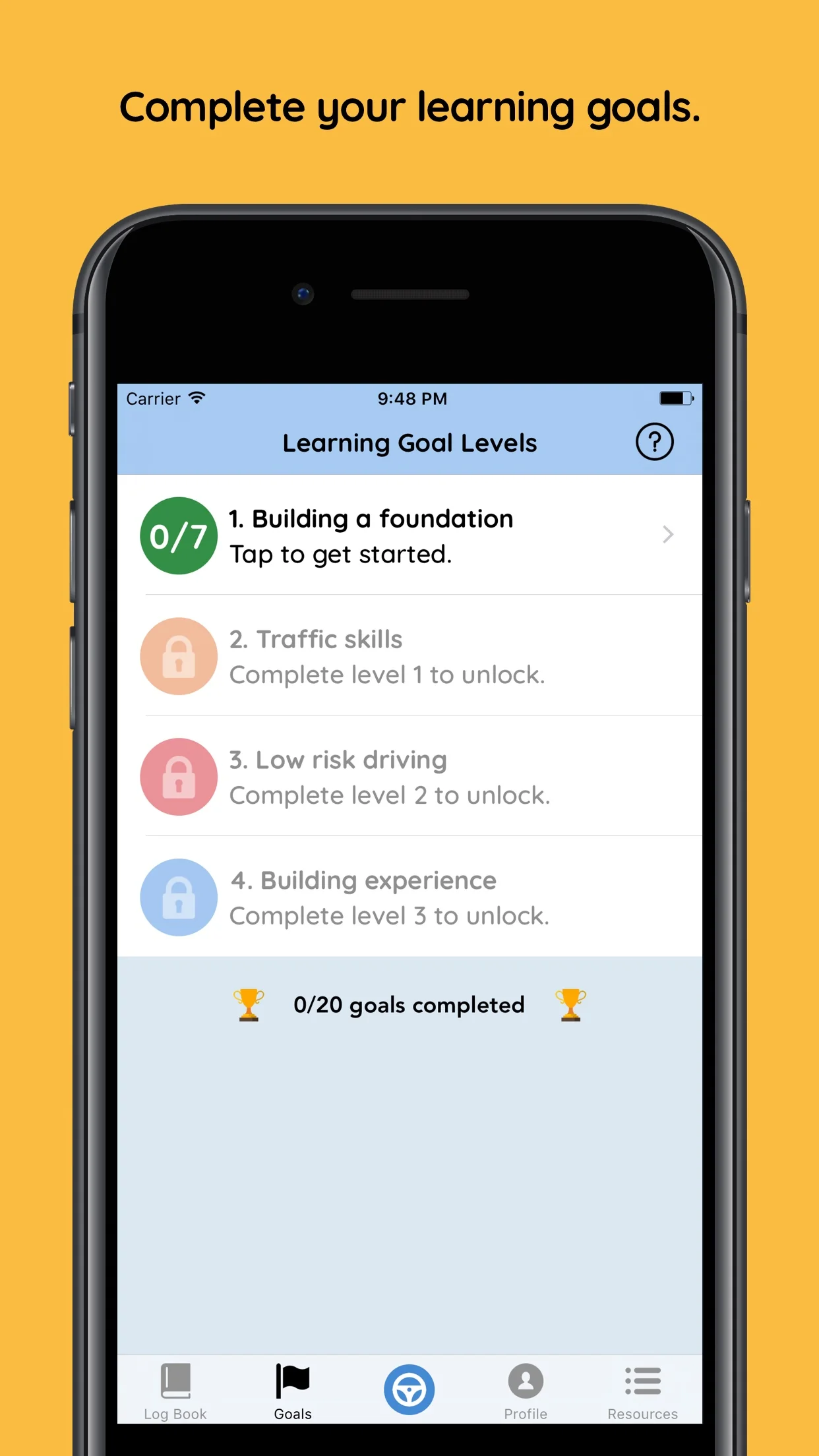
The app automatically records session details like start and end times, suburbs, and weather conditions. Learner drivers can track their learning goals, and submit their logbook when they're ready to take their driving test.
Only the learner driver needs the app. Supervisors don't need to install Roundtrip or create an account. You just sign off on each practice session directly in the learner's app.
How sign-off works
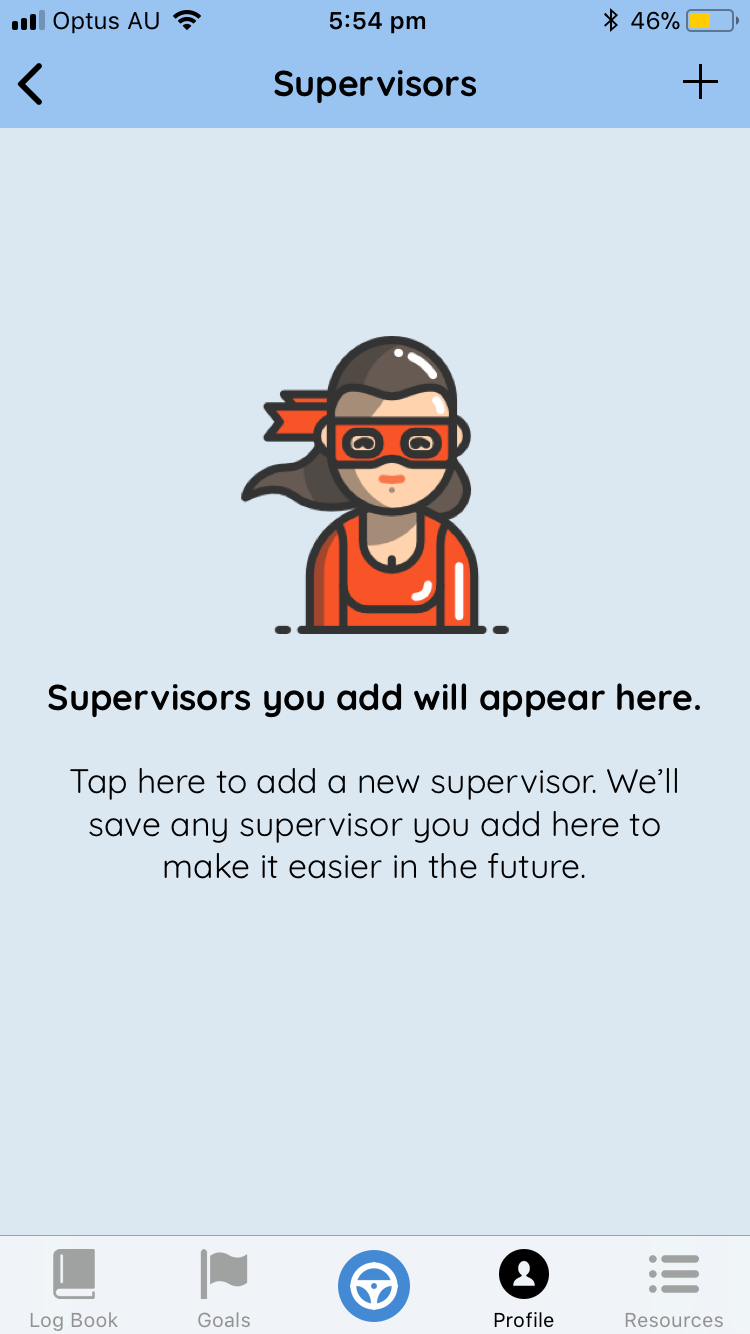
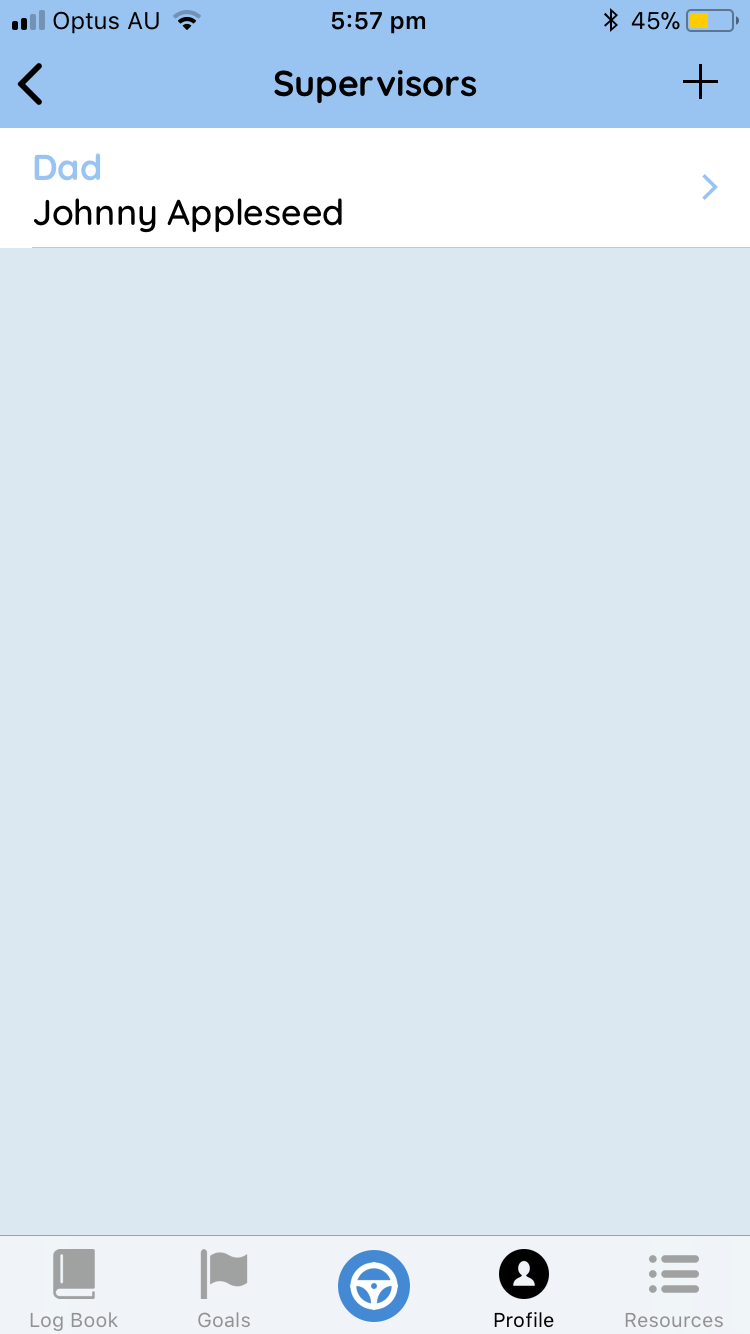
Signing off in Roundtrip works the same way as a paper logbook. The learner driver adds your details to the app before a session can be approved, then you review and sign.
The learner driver enters your details in the app before or after a drive. They can hand you the device to enter your details directly, or enter them on your behalf.
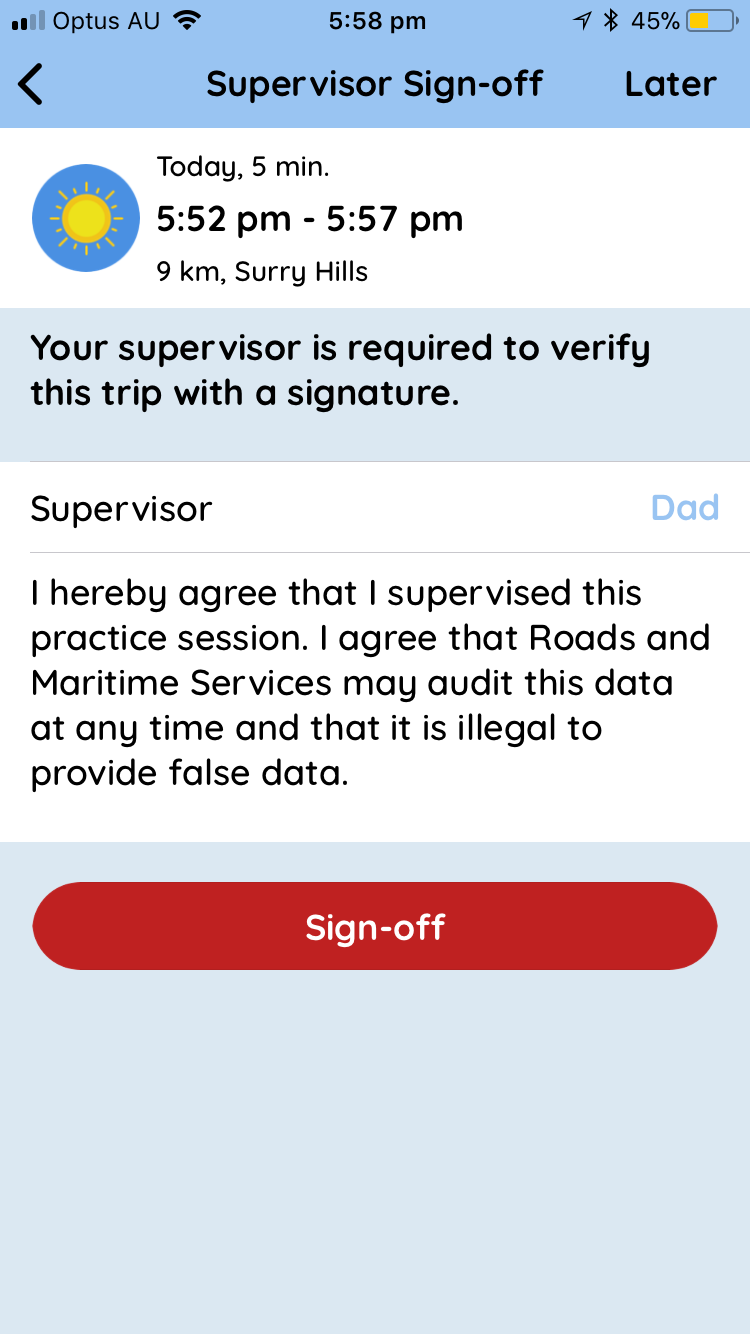
You'll see a review screen showing the practice session details. Check everything looks correct — date, time, duration, and conditions.
Sign directly on the screen, the same way you would in the paper logbook. Once signed, Transport for NSW validates the entry and the hours are added to the learner's totals.
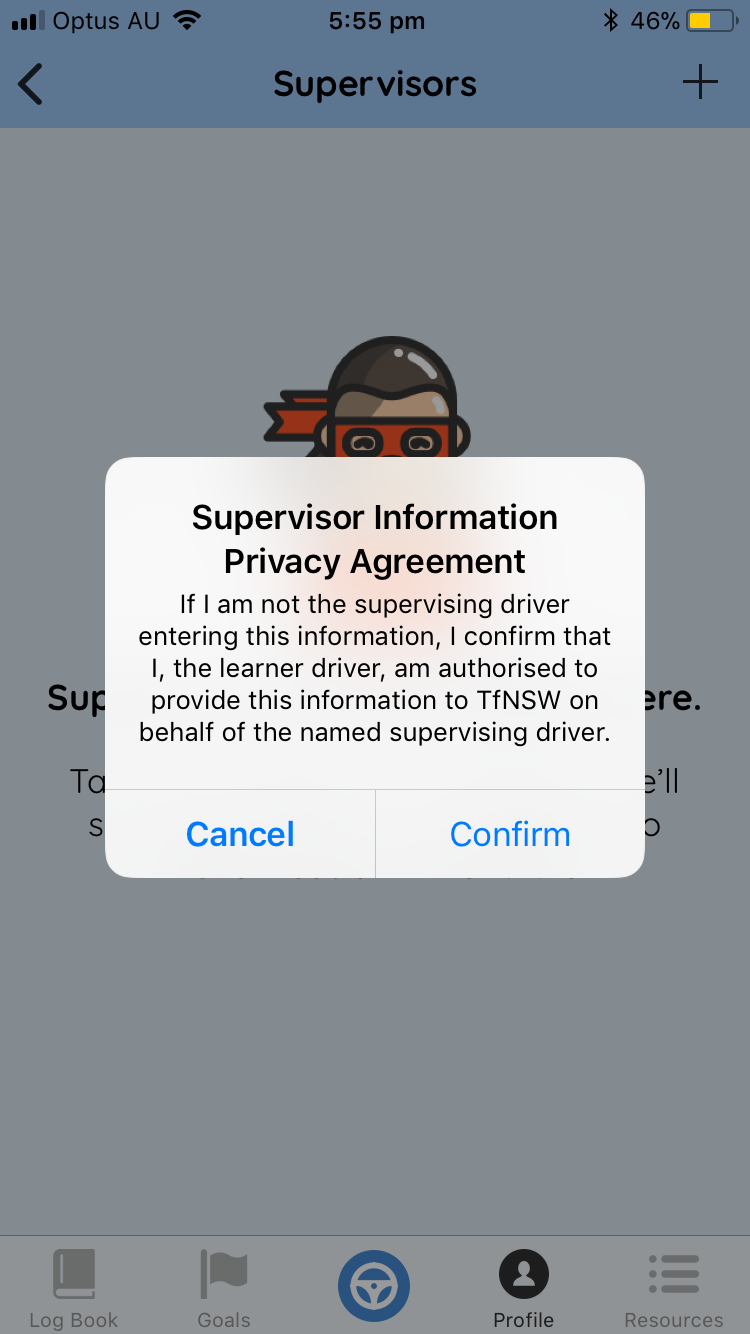
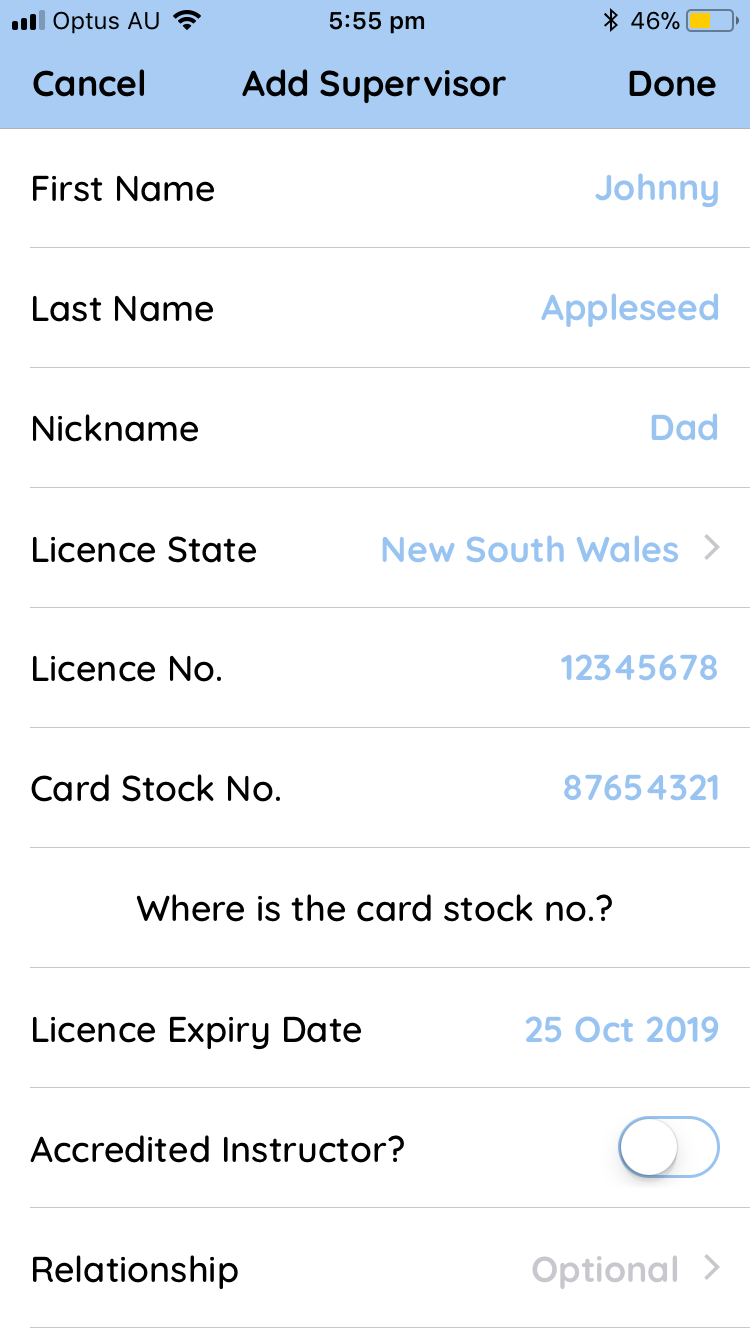
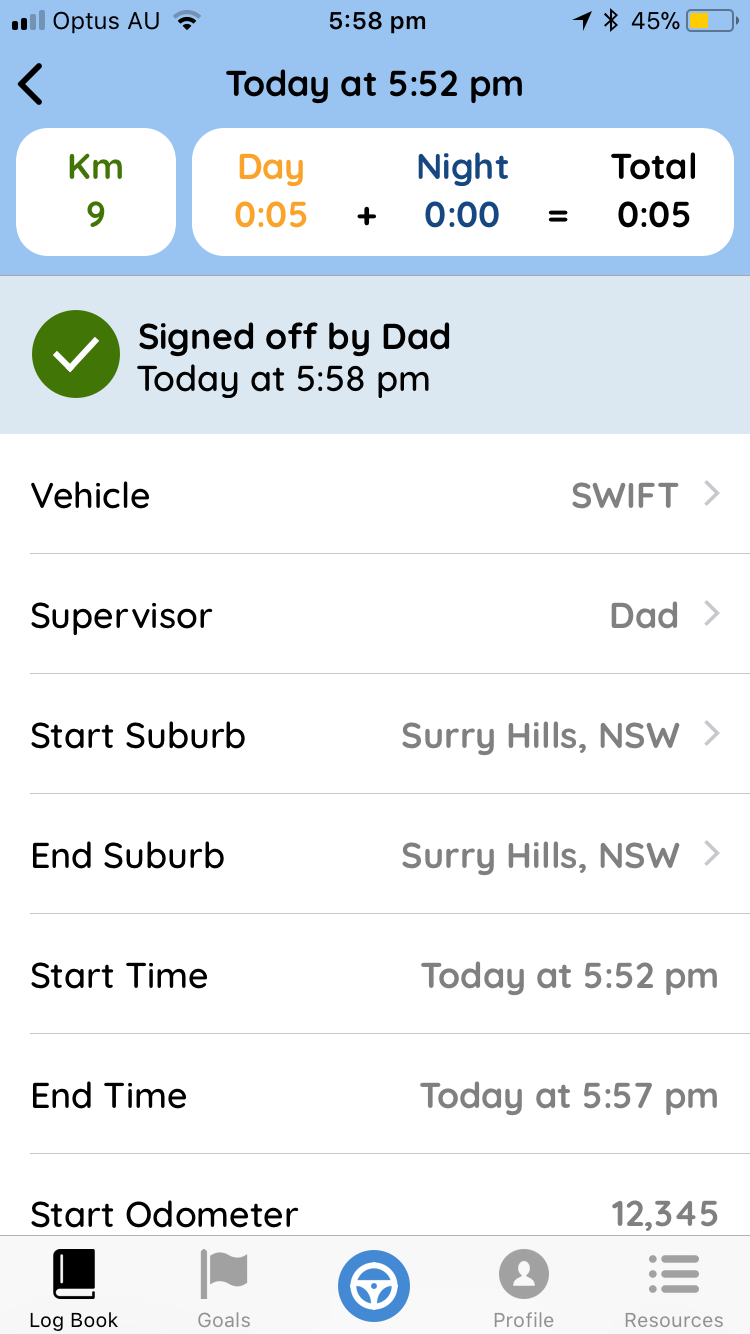
Licence requirements: You'll need a valid Australian licence to sign off on practice. Roundtrip checks your licence details with Transport for NSW to confirm your licence is accepted.
Accredited Driving Instructors
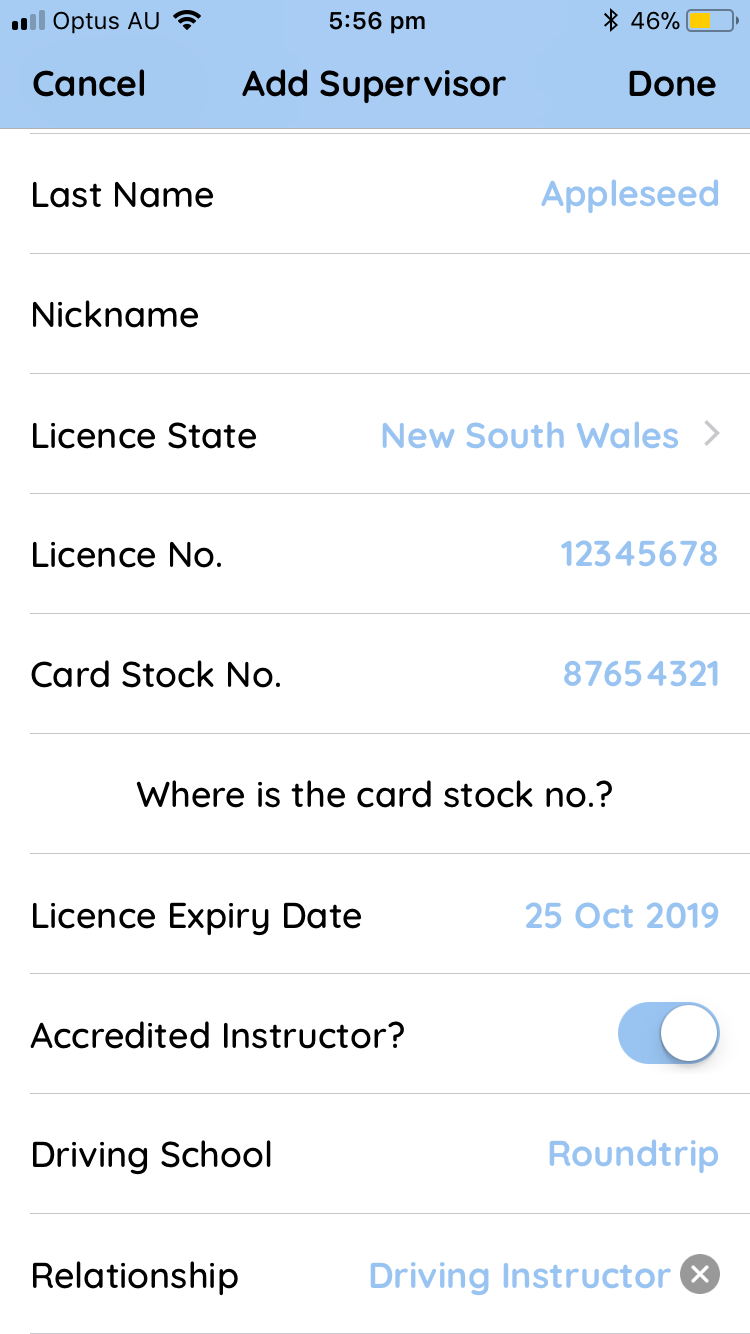
The process for accredited driving instructors is the same as for supervisors, with one difference: when adding your details to the learner's app, select the field indicating that you're an accredited driving instructor and enter your driving school name.
3-for-1 hours
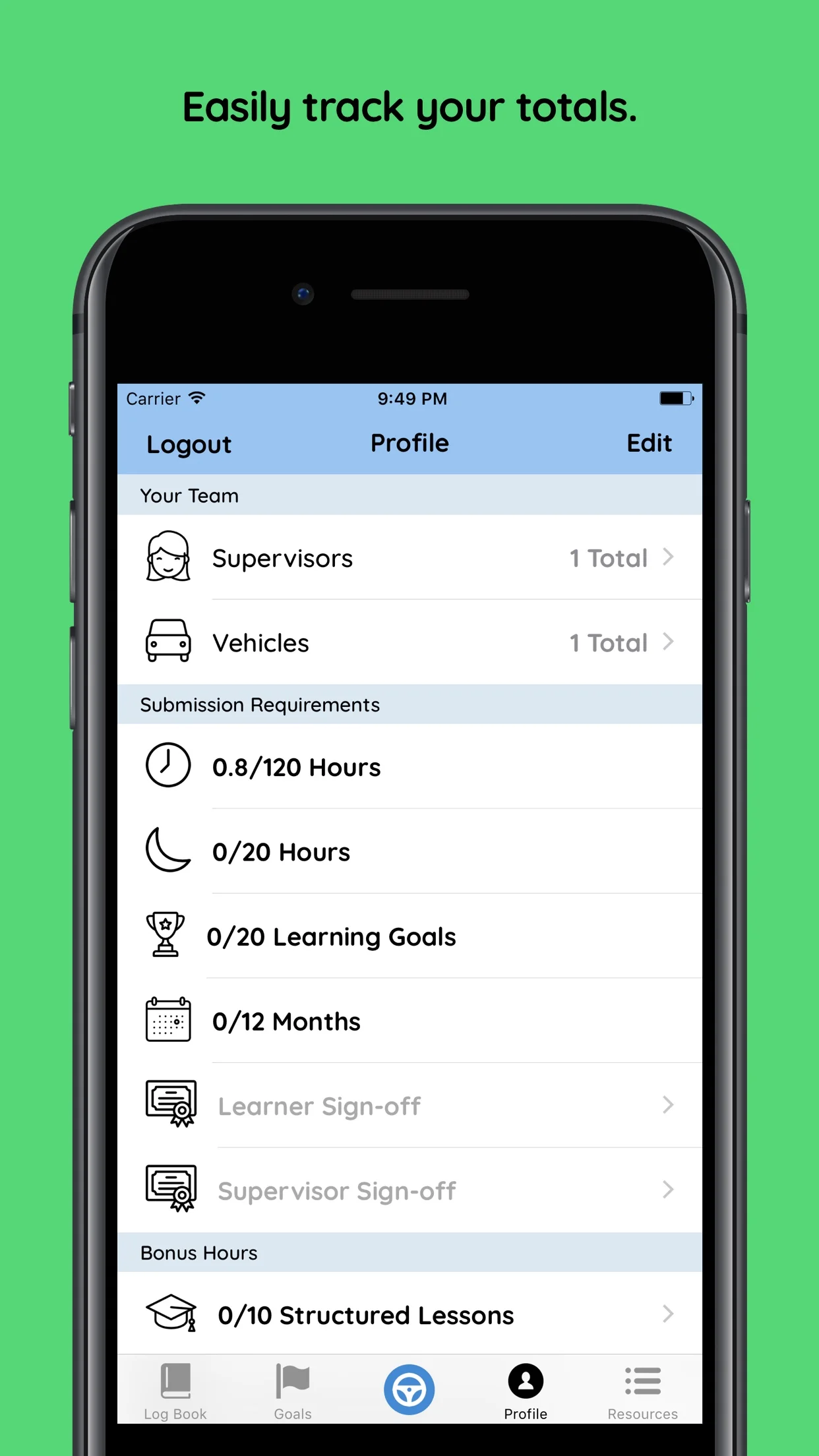
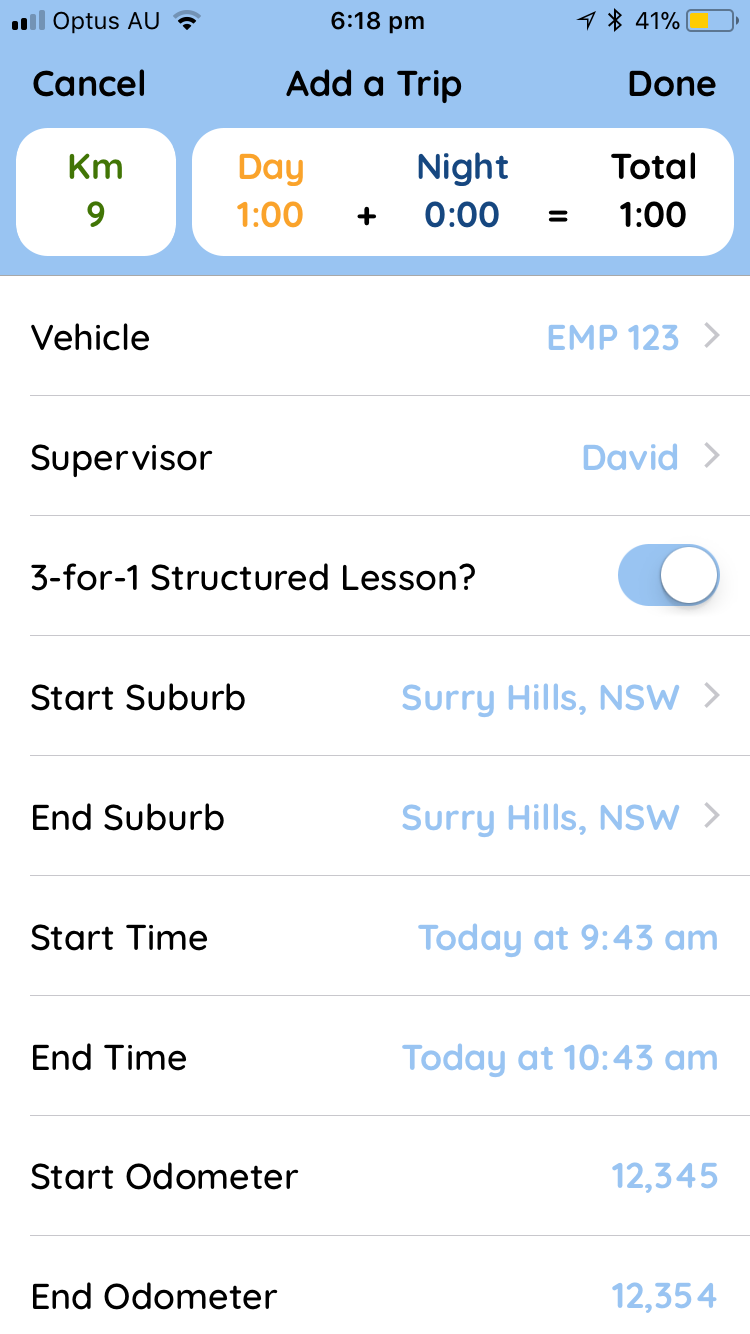
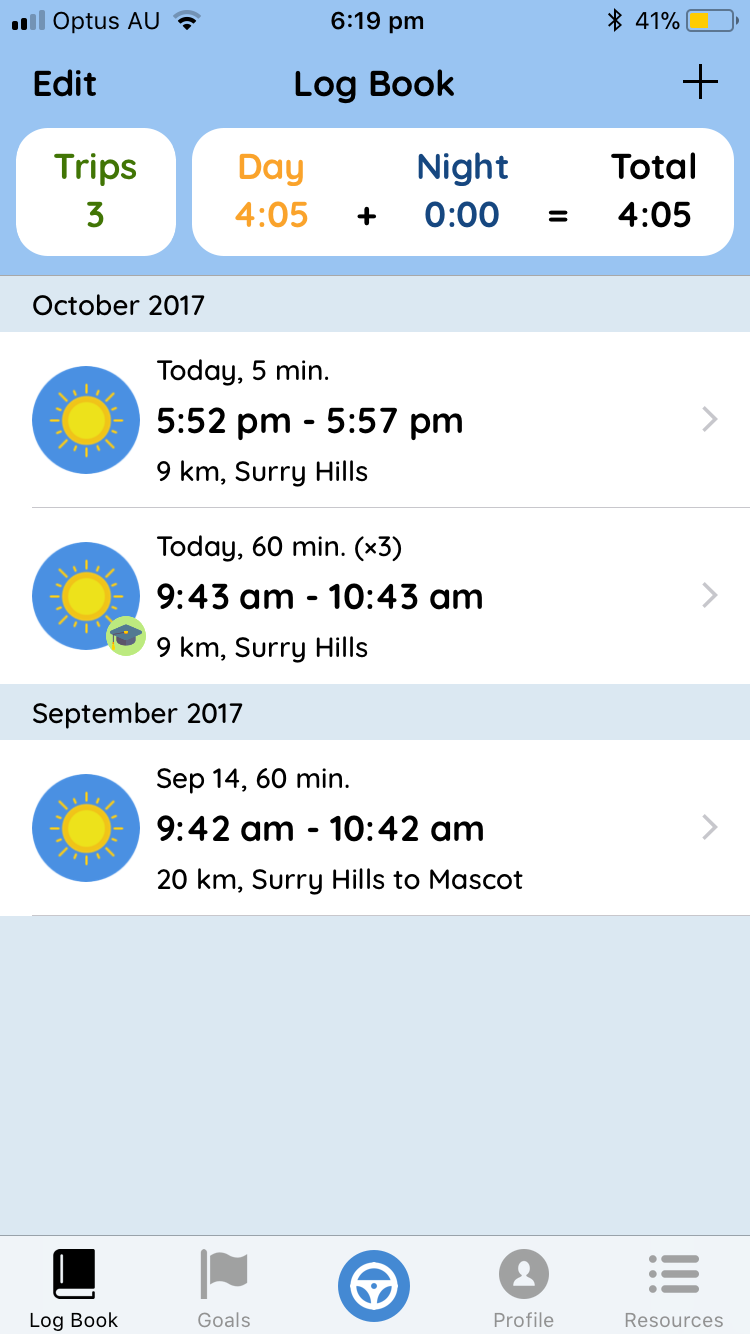
3-for-1 practice hours are calculated automatically by Roundtrip when you select the 3-for-1 Structured Lesson option when adding a trip. A green graduate's hat icon and "(x3)" text will appear in the logbook to indicate a 3-for-1 lesson has been recorded.
The 3-for-1 bonus only applies to driving instructors licensed in NSW. If an instructor doesn't hold a valid NSW instructor licence, the learner won't receive the 3-for-1 bonus — even if the instructor is licensed interstate.
Safer Drivers Course
If you're a Safer Drivers Course coach, you can sign off on both parts of the course directly in the learner driver's app. The sign-off appears under the bonus hours section in the learner's profile — enter your details and sign the screen.
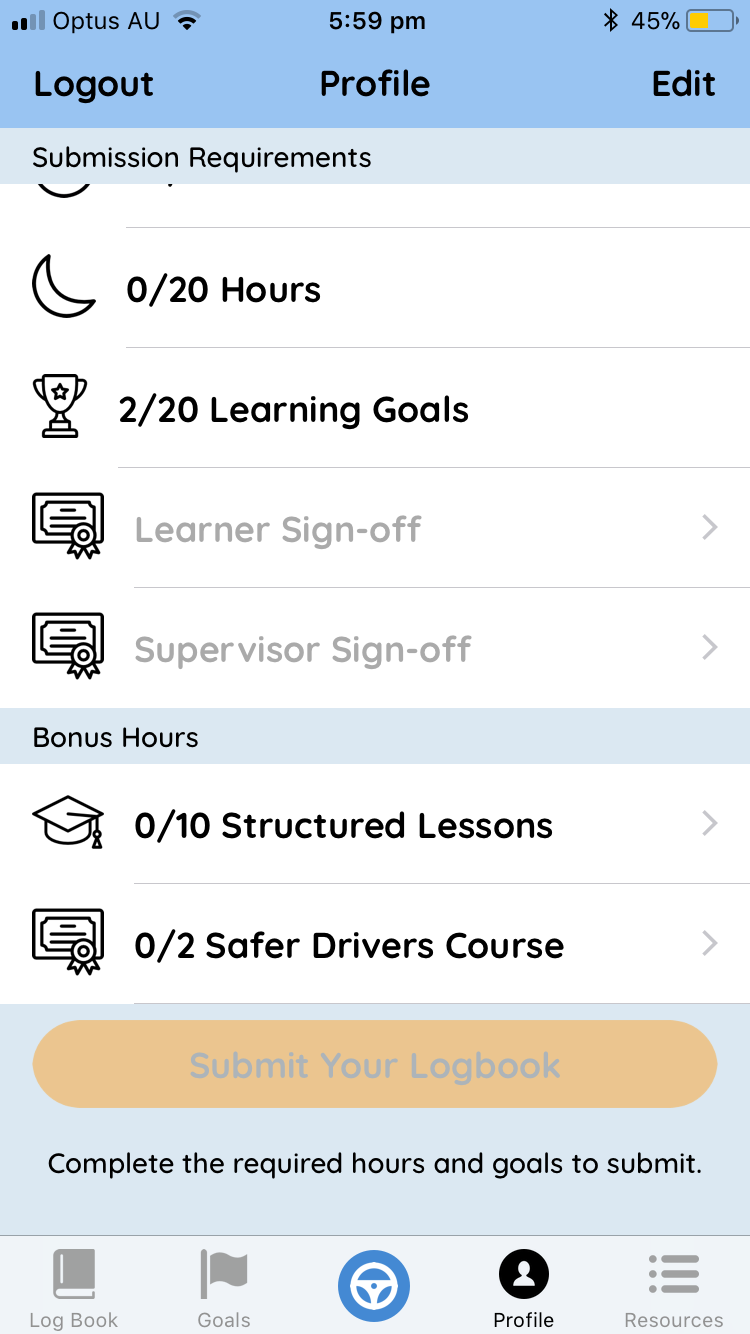
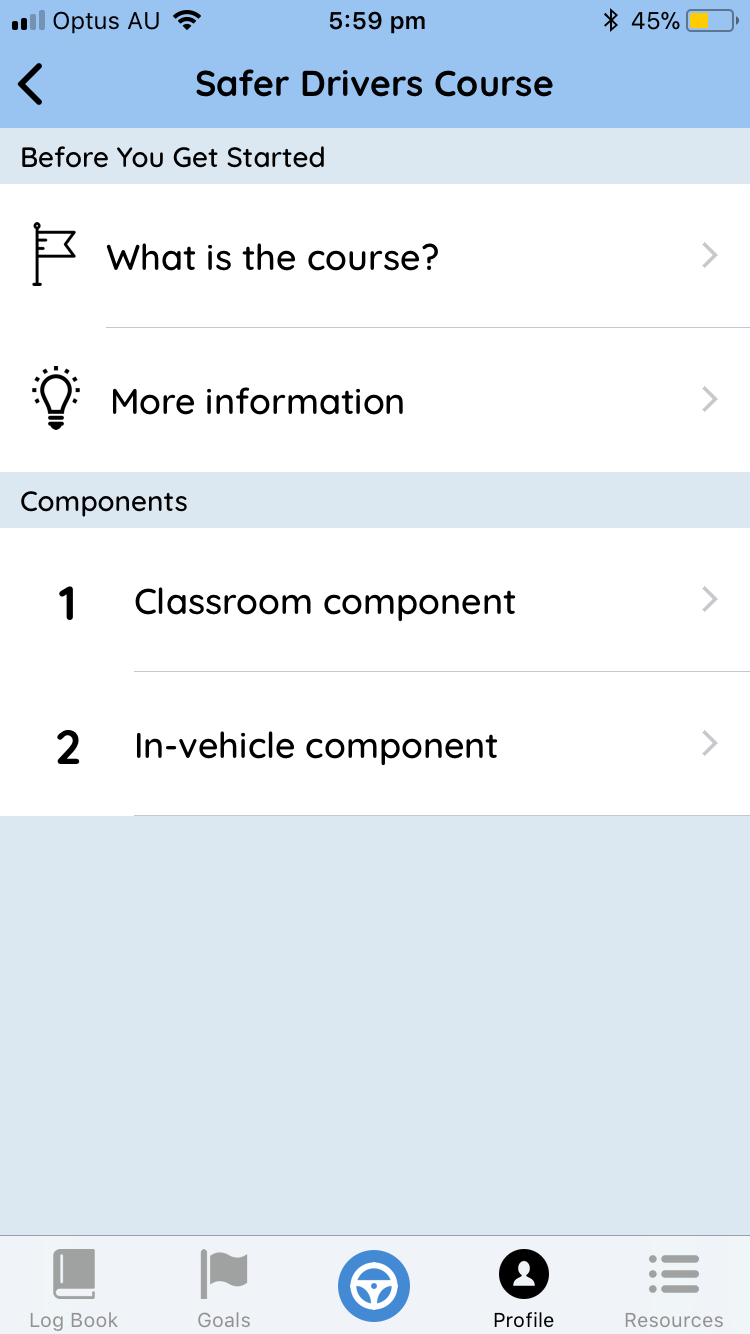
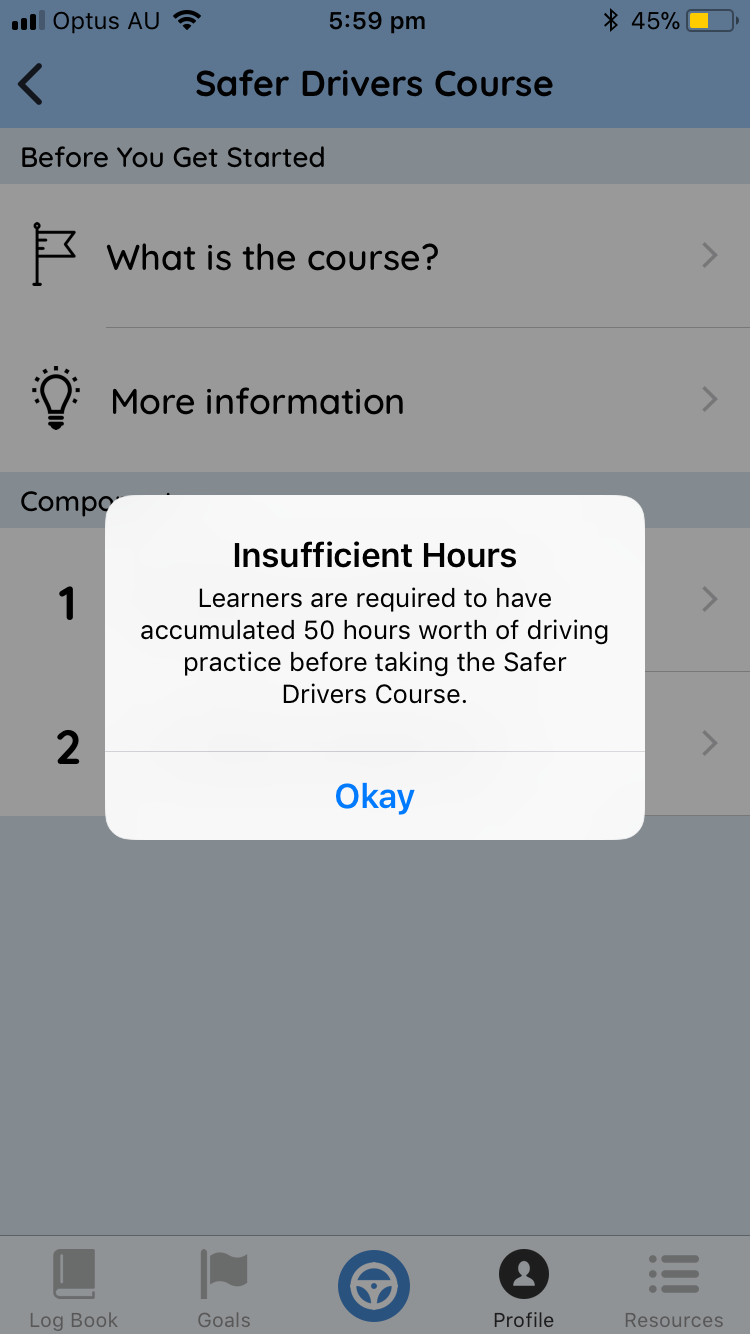
Minimum hours apply. The app won't let learner drivers request Safer Drivers Course sign-off until they've recorded at least 50 hours of practice. This ensures learners are following the eligibility rules before taking the course.
Once the course completion is signed off, the bonus hours are added to the learner's total automatically.
Questions or feedback?
If you have any ideas or feedback for the app, we'd love to hear from you. Get in touch and we'll get back to you within one business day.